
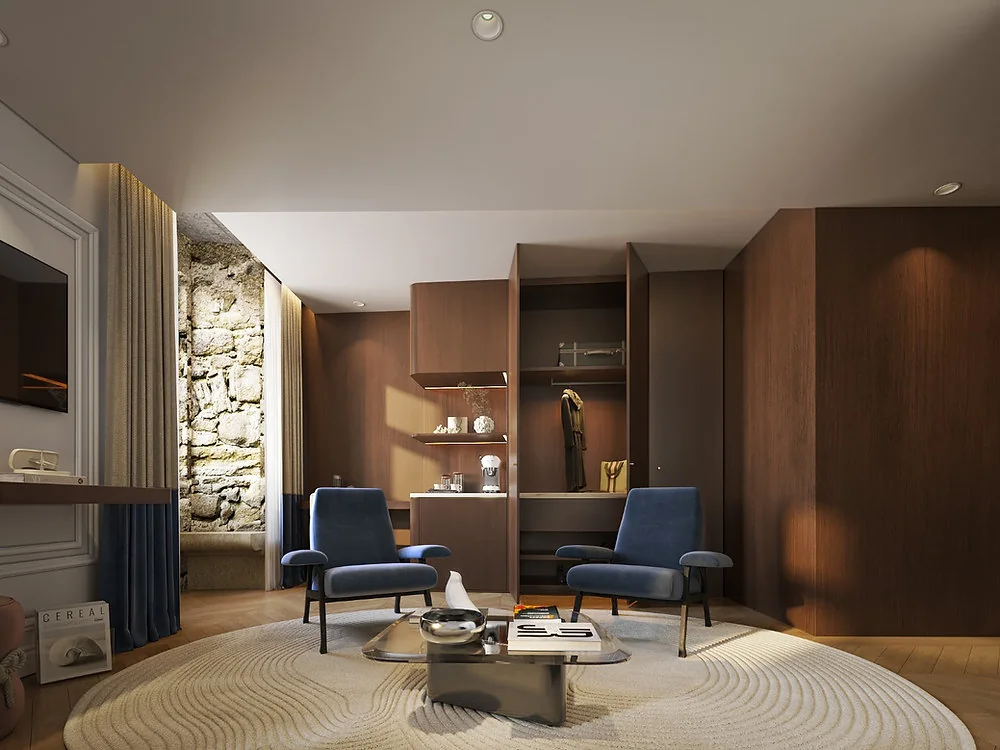
Immersive 3D can help a buyer understand a property that has not yet been built. A walkthrough or interactive model can explain layout, views and finishes more clearly than a static plan when those questions matter to the decision. It is not a substitute for approved drawings, specifications or an honest sales conversation. The value lies in making a complex proposal easier to inspect, while clearly labelling what is confirmed and what may still change. For developers, the first decision is therefore not which technology looks most impressive, but which buyer questions remain unanswered by existing material.
Choose the experience around the buyer's questions
An interactive model is most useful when people need to compare views, layouts, finishes or the relationship between spaces. Define those decisions before choosing a walkthrough, still image or interactive tour. Work from approved architectural information and label any elements that may change. An attractive experience can support confidence, but it does not replace accurate plans, specifications and a responsive sales team.
Plan production and review
Agree on source files, design freeze dates, material references, device targets and a review owner. Prototype one representative area before building the full experience. Check loading time and navigation on the devices buyers will use; provide a simpler alternative where bandwidth or accessibility makes immersion difficult. Keep a change log so marketing and sales know which version matches the current project.
Measure usefulness, not just visual impact
Track qualified enquiries, questions answered and the stages at which buyers use the experience. Ask sales teams which views help explain objections and where the presentation creates confusion. Compare behaviour with other project content, while allowing for different traffic and campaign goals. Use the findings to improve the information architecture and future visual assets.
Keep essential buyer information outside the tour
A virtual experience should sit beside the approved floor plan, area schedule, specifications, price guidance and expected delivery information. Give buyers a clear route to ask about details that are not visible in the model. Explain what furniture, light and landscape are illustrative. This reduces the risk that an attractive view creates a false impression of what is included, and helps sales teams answer practical questions without overstating the design.
Offer a useful alternative to immersion
Some buyers will use a phone, a slow connection or assistive technology. Provide labelled stills, a concise description of each space and accessible controls where an interactive tour is offered. Test navigation without a mouse and ensure important information is available outside the visual experience. A lighter route can serve more prospects and make the project easier to share with advisers or family members.
Compare 3D deliverables for property marketing before deciding what belongs inside the tour and what buyers need elsewhere. The website platform checklist helps assess whether the chosen experience can be published, maintained and used on the devices your audience relies on.
For annotated floor plans and detailed stills, W3C’s complex-image guidance explains how descriptive text can accompany visual information. Include those explanations in the accessible alternative to the tour.