
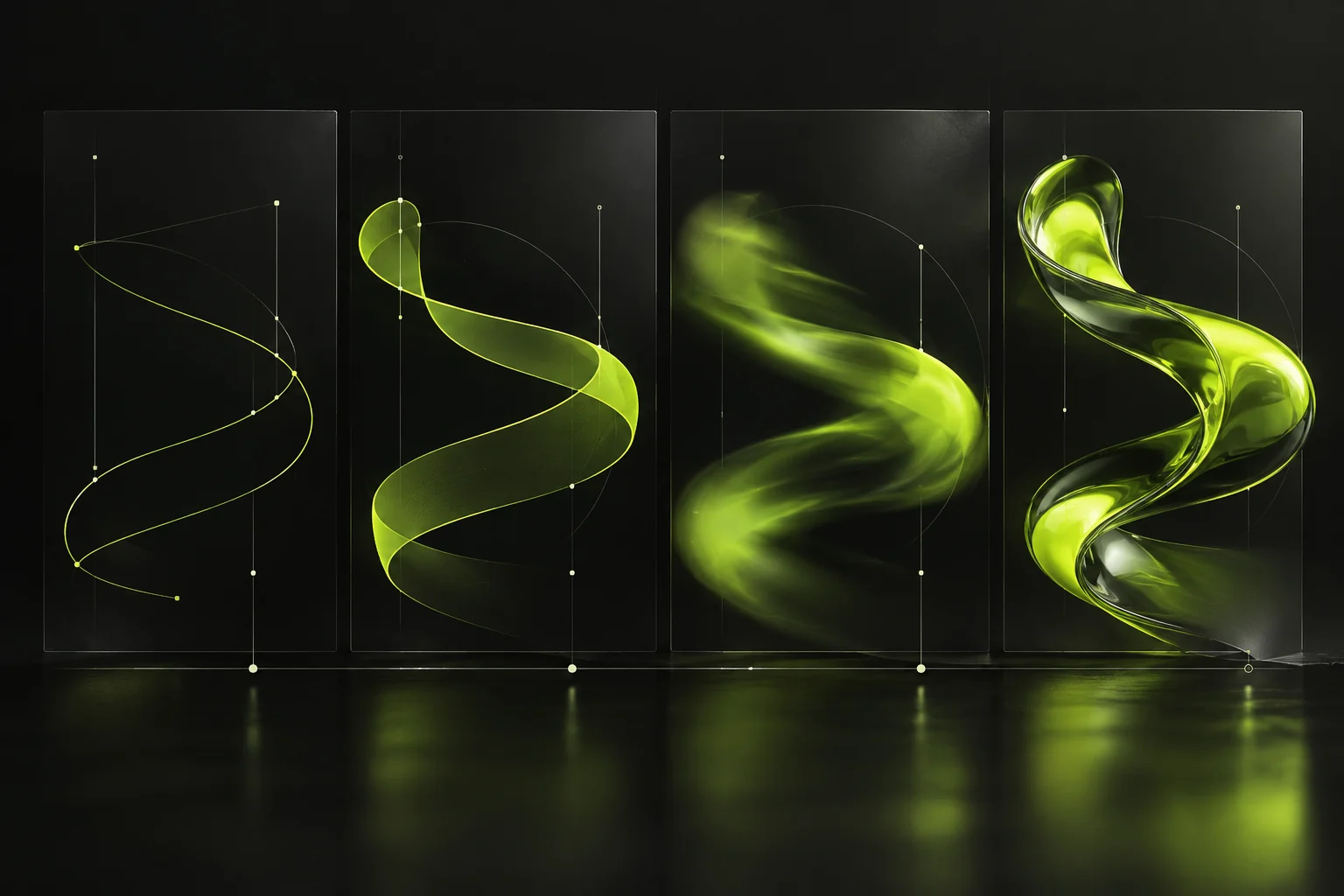
What motion graphics are
Motion graphics combine moving typography, shapes, illustration, data and sound to explain an idea. They differ from filmed footage and character animation because the graphic system carries the message. A thirty-second product explanation may need animated labels and a diagram; a brand film may need only a restrained title sequence.
The right question is not whether movement will attract attention. It is what the viewer should understand or do after watching. That answer sets the script, duration, level of detail and placement.
Choose a use case before choosing an effect
Motion can clarify a service process, demonstrate a digital product, show a sequence of data or give a campaign a consistent visual signature. It works especially well when an image or sentence alone would leave a step unclear.
- Explainer: introduce a problem, show the mechanism and end with one next action.
- Product demonstration: animate real interface states or approved product features rather than inventing capabilities.
- Campaign asset: adapt typography and pacing to the placement while retaining recognisable brand elements.
- Event display: make the message legible at a distance and check how it loops without sound.
A filmed interview, product photograph or static diagram can be a better choice when they provide clearer proof. Compare the trade-offs in our guide to motion, 3D and animation.
Brief and produce a useful animation
Write a one-sentence audience question and a one-sentence answer. Supply approved brand assets, copy, product details, placement dimensions, duration, language versions and who will sign off each stage. Start with a script and storyboard before refining transitions. This gives the team a chance to fix the message while changes are inexpensive.
Review the first frame, reading time, visual hierarchy and end card on a phone as well as a desktop screen. Check the sequence without sound; important information should remain understandable. Plan captions, a transcript or an alternative explanation where the content needs them. W3C’s media planning guidance is a useful production reference.
Measure the job it was made to do
A completed view can indicate that people stayed with an explainer, but it does not show whether they understood the offer. Pair viewing data with the intended next step: qualified visits, enquiries, product interactions or feedback from a sales conversation. Compare versions only when audience, placement and period are comparable.
If animation plays automatically on a website, check W3C’s pause, stop and hide guidance. Use our creative studio service to plan the script, motion system and delivery formats around one clear objective.
Plan a motion project with WIDECREATION
Bring us the audience, the message and the places where the animation will appear. We can help define a practical storyboard and the versions needed for web, social and presentations. Tell us about your project.